Working from home is now a permanent fixture of UK working life. According to ONS Labour Force Survey data from 2025, around one in seven UK workers are based mainly at home, with millions more in hybrid arrangements. For women running businesses, such as those starting a fashion business in the UK, from a spare room, kitchen table or garden office, the difference between a makeshift setup and a properly planned workspace is not just comfort; it directly affects output, energy and long-term health.
Home office ergonomics UK is about arranging your desk, chair, screen and storage so your body is not fighting your workspace. This guide sets out the 2026 figures, legal obligations and practical steps that apply specifically to UK homeworkers and self-employed women, who often face career insecurity while setting up a healthy workstation.
Why home office ergonomics UK costs you money
Bad posture and repetitive strain are not minor inconveniences. The Health and Safety Executive (HSE) reported in 2024/25 that an estimated 473,000 workers in Great Britain were suffering from work-related musculoskeletal disorders, leading to 6.6 million working days lost. A significant share of these cases involve desk-based work, including homeworking setups where equipment has not been assessed.
For a self-employed woman, every day lost to back pain, neck strain or repetitive strain injury is a day without billable income. The HSE makes clear that employers have the same health and safety duties to homeworkers as they do to staff in a central office. Even if you are your own employer, treating your workspace as a regulated environment protects your most important business asset: you.
Your legal position and what HMRC will recognise
Under the Health and Safety at Work etc. Act 1974, employers must ensure, so far as is reasonably practicable, the health, safety and welfare of all employees, including those working from home. The Display Screen Equipment Regulations 1992, as amended, require employers to carry out risk assessments for workers who use screens for an hour or more each day. If you employ staff who work remotely, you must provide a DSE assessment and suitable equipment.
If you are self-employed, you are not covered by the employer duties in the same way, but you can still claim allowable expenses for equipment that is wholly and exclusively for business use. HMRC permits self-employed people to use simplified expenses for working from home, with flat rates ranging from £10 to £26 per month depending on hours worked. For details, see our guide to home working expenses self employed can claim through HMRC.
Choosing a desk and chair that fit your body
The right desk height lets your forearms rest horizontally while typing and your feet sit flat on the floor. As a starting point:
- Desk surface: approximately 70-75 cm from the floor for most adults.
- Elbow angle: 90-110 degrees when typing.
- Monitor top: at or slightly below eye level, about an arm’s length away.
- Feet: flat on the floor or on a footrest.
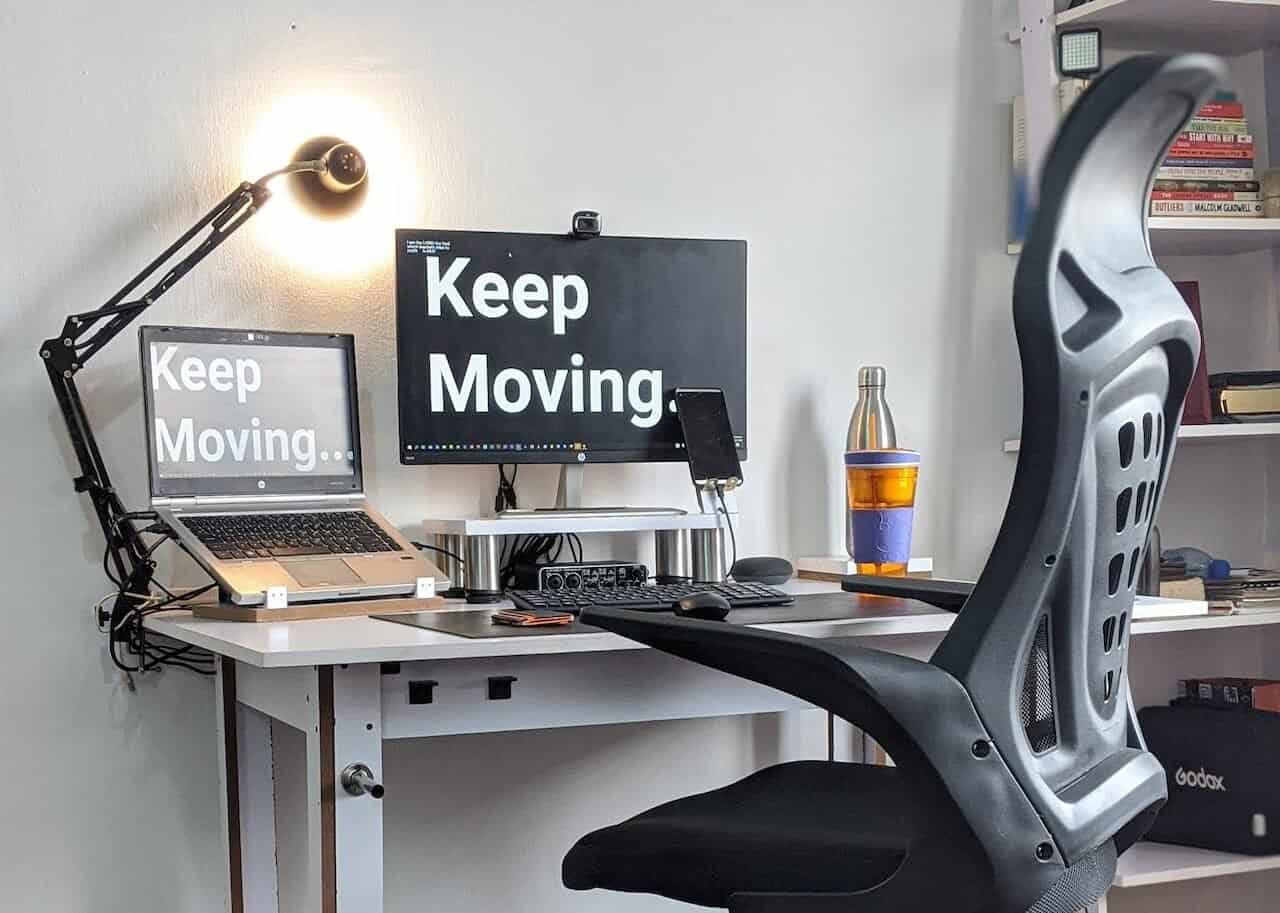
A height-adjustable desk is worth considering if you share the space or want to alternate between sitting and standing. HSE guidance recommends varying posture rather than remaining in one position for long periods. If a sit-stand desk is outside your budget, a sturdy monitor riser and an external keyboard can transform a standard desk for under £100.
Your chair should have adjustable seat height, lumbar support and armrests that slide under the desk. Avoid dining chairs for long working days; they rarely provide lower-back support and encourage slumping.
Positioning your screen, keyboard and mouse
Laptop screens positioned too low force your neck forward and strain your upper back. The HSE advises that the top of the screen should be roughly at eye level. If you use a laptop for more than short periods, raise it on a stand and use a separate keyboard and mouse.
Place the keyboard directly in front of you with a small gap at the front of the desk to rest your wrists. The mouse should be at the same height and as close to the keyboard as possible to avoid overreaching. These small adjustments reduce the risk of repetitive strain injuries that account for a large proportion of work-related upper limb conditions reported to HSE.
Lighting, breaks and the 20-20-20 rule
Eye strain is one of the most common complaints among homeworkers. Position your screen to avoid glare from windows and overhead lights. Task lighting, such as an adjustable desk lamp, is preferable to relying on a single ceiling light.
For screen breaks, follow the 20-20-20 rule: every 20 minutes, look at something 20 feet away for 20 seconds. The HSE also recommends taking five-minute breaks from continuous screen work every hour. A short walk, shoulder rolls or standing stretches help reset posture and circulation.
Storage, cables and mental clarity
Clutter increases cognitive load. Wall-mounted or floating shelves keep reference materials, stock and paperwork off your work surface, while labelled boxes and drawer dividers prevent small items from disappearing. Cable management is a safety issue as well as an aesthetic one; trailing leads are a trip hazard and make cleaning harder.
If your home office doubles as a family space, define clear boundaries. A screen, curtain or even a consistent “at work” signal helps others respect your working hours and supports the work-life balance that many women founders cite as a reason for self-employment. For broader context on UK women in business, see Women in Business: Key UK Facts.
Action steps for your home office
- Measure your current setup against HSE desk and screen guidelines.
- Request a DSE assessment from your employer if you are employed, or conduct your own if you are self-employed.
- Check whether you can claim HMRC allowable expenses for office furniture, lighting or equipment.
- Invest first in the items that affect posture: chair, monitor height and keyboard position.
- Schedule movement breaks using the 20-20-20 rule and hourly five-minute pauses.
If you are negotiating hybrid or remote working terms with an employer, our guide to flexible working rights UK 2026 explains the key rules women need to know.
Home office ergonomics UK is not about buying expensive furniture; it is about matching your workspace to the work you actually do. With the right measurements, a clear understanding of HMRC and HSE rules, and a few disciplined habits, you can protect your health and keep your business running efficiently.