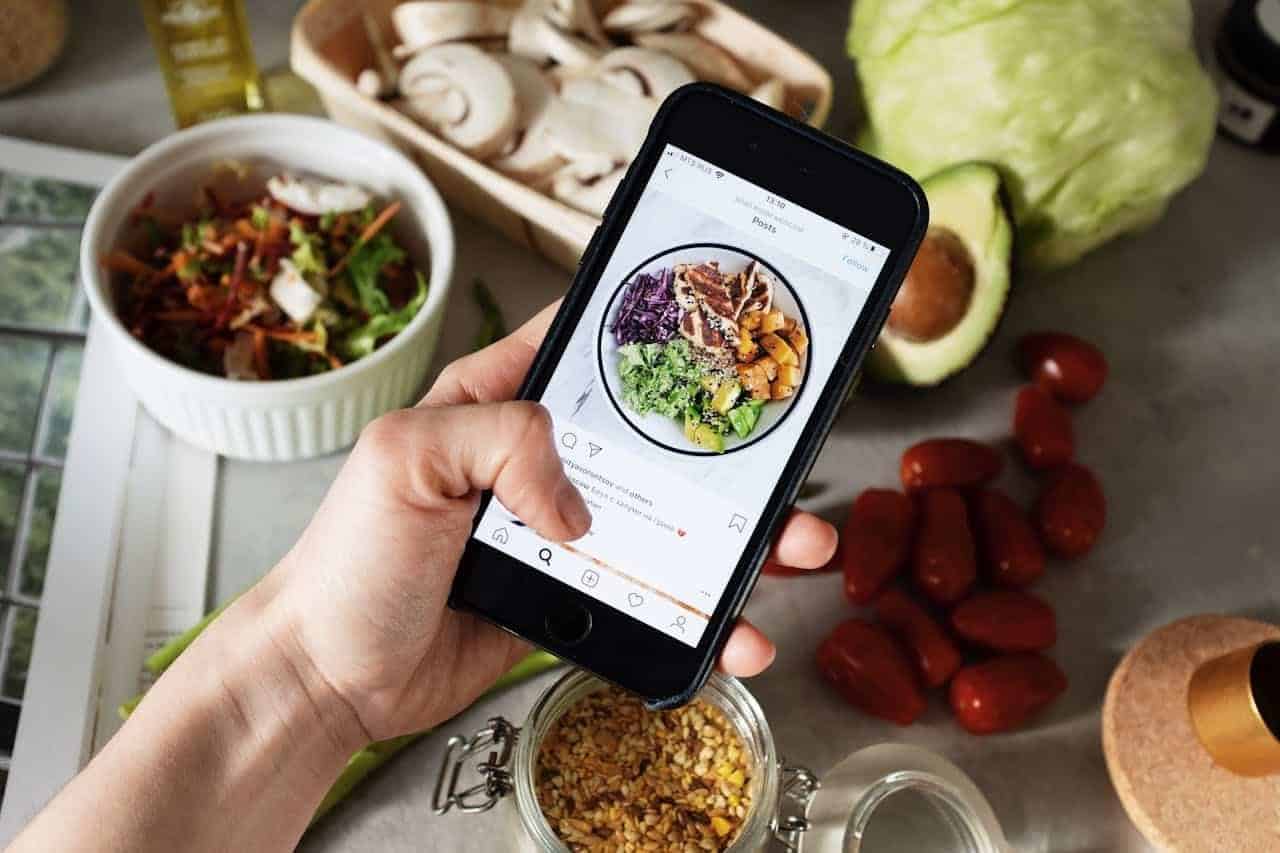
Social media visuals are often the first impression a potential customer has of your business. For women-led businesses in the UK, where marketing budgets are typically tight and time is scarce, a strong visual strategy can mean the difference between being scrolled past and being remembered. The good news is that you do not need a design agency or expensive software to create social media visuals that look professional and convert.
This guide sets out practical, current advice for UK business owners on creating visuals that stop the scroll, stay on-brand, and meet accessibility expectations.
Understand why social media visuals matter for UK businesses
Visual content dominates social feeds. Posts with images, carousels, or short-form video consistently outperform text-only updates because they communicate value faster than a caption alone. For UK women in business, this matters particularly because social media is one of the lowest-cost routes to market, and strong visuals help level the playing field against larger competitors with bigger advertising budgets.
The scale of the opportunity is significant. SMEs make up 99.9% of the UK business population, according to the Department for Business and Trade Business Population Estimates for 2024. Yet only one in three UK entrepreneurs is a woman, according to the Alison Rose Review of Female Entrepreneurship (2019). The same review found that if women started businesses at the same rate as men, the UK economy could gain £250 billion of additional value. Strong visual branding helps women-led businesses stand out in crowded sectors, build trust quickly, and turn followers into customers.
The Women in Business: Key UK Facts page sets out more detail on the contribution women-led enterprises make to the UK economy.
Match your format to each platform
Each platform rewards different visual formats. Posting the same image everywhere without adjusting dimensions or cropping wastes the effort you put into creating it. For many UK women-led businesses, Instagram, Facebook, LinkedIn, and TikTok are among the most useful channels for reaching customers, so it pays to optimise for each one. Use the current recommended sizes as your baseline:
- Instagram feed: 1080 x 1080px square, or 1080 x 1350px portrait for more screen space.
- Instagram Reels and TikTok: 1080 x 1920px vertical video, 9:16 ratio.
- LinkedIn: 1200 x 627px for feed images; 1080 x 1920px for documents and carousels.
- Facebook: 1200 x 630px for feed posts; 820 x 312px for cover images.
- X (Twitter): 1600 x 900px for horizontal images.
With UK adults spending an average of 3 hours 54 minutes online each day according to Ofcom’s Online Nation 2024 report, and around 57 million people using social media across the country according to DataReportal’s Digital 2024 UK Report, the potential reach for well-designed visuals is substantial.
Design tools such as Canva and Adobe Express include preset templates for these sizes. If you are creating video, tools like CapCut, Descript, or InShot allow you to edit vertical content quickly without specialist skills.
Make accessibility standard, not optional
Under the Equality Act 2010, businesses providing services to the public are expected to make reasonable adjustments so disabled customers are not excluded. While the Public Sector Bodies (Websites and Mobile Applications) Accessibility Regulations 2018 apply mainly to public-sector organisations, the principle extends to commercial social media content. Accessible visuals also reach more people and perform better.
Practical steps include:
- Add alt text to every image you post. Describe what is in the image and any text it contains.
- Use strong colour contrast between text and background so words remain readable on small screens.
- Do not rely on colour alone to convey meaning. Use labels or icons alongside colour coding.
- Caption your videos and add burned-in subtitles for Reels, TikToks, and Stories.
- Avoid flashing or rapid cuts that could trigger photosensitive epilepsy.
The Advertising Standards Authority (ASA) CAP Code also applies to social media marketing, including promotional visuals and influencer content. Claims must be truthful, and any paid partnership must be clearly labelled, for example with #Ad.
Keep your branding consistent across channels
Consistency builds recognition. Your audience should know a post is yours before they see your logo. Define a small visual identity kit and stick to it:
- Colour palette: two to four core colours used across all posts.
- Fonts: one or two typefaces that reflect your brand personality.
- Image style: consistent filters, photography angles, or illustration style.
- Logo placement: a standard position and size, usually small and unobtrusive.
Consistency also applies to posting rhythm. A regular schedule signals reliability. If you only post when you have time, your audience will drift. Batch-create visuals at the start of each month using a content calendar, then schedule them with tools such as Later, Planoly, or Meta Business Suite.
Use text sparingly and purposefully
A beautiful image can stop a scroll, but without context the viewer will keep moving. Add a short headline or call to action directly on the image, but keep it brief. Aim for no more than five to seven words, using a font size that remains legible on a mobile screen.
Infographics work well when you need to explain a process, compare options, or share statistics. They are particularly useful for service-based businesses, coaches, consultants, and professional advisers who want to demonstrate expertise without writing a long post. Keep the design clean, limit the number of points, and make sure the text is large enough to read on a phone.
Use AI and design tools wisely
AI-assisted design tools can speed up content creation, but they should support your brand rather than replace it. Tools such as Canva’s Magic Studio, Adobe Firefly, and Microsoft Designer can generate backgrounds, resize images for multiple platforms, or suggest layouts. However, generated images can look generic, so customise them with your own photography, brand colours, and wording.
For UK business owners, the cost of design software, stock images, and video editing subscriptions can usually be claimed as allowable business expenses through HMRC, provided they are used wholly and exclusively for the business. Keep receipts and records, especially if you are a sole trader or limited company director claiming these costs against tax.
Test, measure, and refine your visuals
Social media success comes from repetition and adjustment, not one perfect post. Use each platform’s built-in analytics to track which visuals drive engagement, saves, shares, and clicks. Look for patterns:
- Do portrait images outperform squares?
- Do carousels get more saves than single images?
- Do videos with captions keep viewers watching longer?
- Which colours or styles appear in your best-performing posts?
Use these insights to refine your visual identity rather than chasing every trend. A cohesive feed that reflects your brand will outperform a scattered approach in the long run.
Take action on your visual strategy
- Audit your current social media profiles and remove any visuals that no longer match your brand.
- Create a simple visual identity kit with your colour codes, fonts, and logo placement rules.
- Update your image templates to current platform dimensions for the channels you use most.
- Add alt text and captions to your next ten posts.
- Review your marketing expenses and ensure design tool subscriptions are recorded correctly for HMRC.
Build social media visuals that convert
Strong social media visuals help UK women-led businesses compete, connect, and convert without needing a big budget. By matching formats to platforms, keeping branding consistent, making content accessible, and using design tools efficiently, you can create a visual presence that earns attention and builds trust. Start with one platform, apply these principles, and refine as you learn what your audience responds to.