If you run a business from a kitchen table or spend your day at a desk, your sedentary job health is not a side issue; it is a business risk, much like maternity leave when you run your own business. According to HSE data from 2024, an estimated 1.7 million workers in Great Britain were suffering from work-related ill health in 2023/24, and 473,000 of those cases were musculoskeletal disorders. Long hours in one position also feed stress and fatigue, which the HSE links to 17.1 million working days lost to work-related stress, depression or anxiety in the same period.
ONS figures from spring 2024 show that 44% of UK workers had worked from home at least once in the previous seven days, often without a proper workstation. The good news is that small changes to your setup can reduce pain, improve focus, and protect your long-term health. Here are six practical additions worth considering.
Why sedentary job health matters for women in the UK
Women are more likely than men to work in administrative, caring, and professional roles that keep them at a screen or desk. The NHS recommends at least 150 minutes of moderate-intensity activity each week, yet many office-based workers sit for seven to ten hours a day. That gap between guidance and daily reality shows up in back pain, repetitive strain injury, eye strain, and low energy.
For women who are self-employed or running a small business, the risk is sharper, and without support, workplace productivity can suffer. You may not have an occupational health department, a HR team, or a budget for a corporate ergonomic assessment. The additions below are designed to be practical, affordable, and effective for a home office or small workplace.
Six workstation additions for a healthier desk
1. A height-adjustable desk
A height-adjustable desk lets you alternate between sitting and standing. Standing increases circulation and muscle engagement, and research suggests it can reduce lower-back discomfort. You do not need to stand all day; aim for short standing periods every 30 to 60 minutes. If a full electric desk is too expensive, a desktop converter that sits on an existing table can work well.
2. An ergonomic chair
If you sit for long periods, a chair with lumbar support, adjustable seat height, and armrests is essential. The right chair supports the natural curve of your spine and reduces pressure on your neck and shoulders. When buying, check that your feet rest flat on the floor and your knees are level with your hips. If a new chair is out of reach, a lumbar cushion and a footrest can improve your current setup.
3. Indoor plants
Plants can improve perceived air quality, absorb some background noise, and make a workspace feel calmer. Low-maintenance options such as snake plants, peace lilies, and spider plants tolerate typical office light and need little attention. They are not a substitute for ventilation or breaks, but they do make a long day at a desk more pleasant.
4. Task lighting
Poor lighting causes eye strain, headaches, and fatigue. Position your screen to avoid glare, use daylight where possible, and add a desk lamp for focused tasks. LED bulbs are energy efficient and emit little heat. If you work in the early morning or evening, warm-toned bulbs can reduce the blue light that disrupts sleep.
5. An air purifier
An air purifier with a HEPA filter can reduce dust, pollen, and other airborne particles. This matters if you have allergies, asthma, or a workspace with limited ventilation. Choose a unit rated for the size of your room, and remember that regular opening of windows is still the simplest way to refresh indoor air.
6. Noise-cancelling headphones
If you share your home with family, neighbours, or road noise, noise-cancelling headphones can protect concentration and reduce stress. Over-ear models often provide better isolation than earbuds, but fit and comfort vary. Try them before you buy if possible, and avoid wearing them at high volume for long stretches to protect your hearing.
Know your UK rights and tax relief
Before you spend your own money, check what support is available. Under the Health and Safety (Display Screen Equipment) Regulations 1992, as amended, employers must assess DSE workstation risks for employees who use screens habitually, provide breaks or changes of activity, and pay for eye and eyesight tests on request. Read the HSE display screen equipment guidance to check what your employer should cover.
If you are self-employed, you can claim allowable expenses for equipment used wholly and exclusively for work. HMRC guidance allows claims for office furniture, computers, and lighting as a capital allowance, including through the annual investment allowance. Read our guide on home working expenses self employed can claim through HMRC for the current rules.
Flexible working rights also matter. Since 6 April 2024, employees have had a day-one right to request flexible working, including changes to hours, location, or shift patterns. ACAS guidance says employers must deal with requests in a reasonable manner and can only refuse them for specific statutory reasons. The gov.uk flexible working page sets out the current process, and our article on flexible working rights UK 2026 explains what women need to know.
For women-led businesses, it is also worth considering whether your workplace policies cover life stages that affect sedentary health, such as the menopause. A clear policy can help staff request fans, flexible breaks, or adjusted uniforms. See our guide on whether your small business needs a menopause policy in 2026.
Action steps
- Audit your current workstation against the HSE DSE checklist: screen at eye level, keyboard and mouse within easy reach, feet flat on the floor.
- Pick one addition from the list above that addresses your biggest discomfort, and set a budget.
- If you are employed, ask your employer for a DSE assessment before buying equipment yourself.
- If you are self-employed, keep receipts and claim allowable expenses through your Self Assessment tax return.
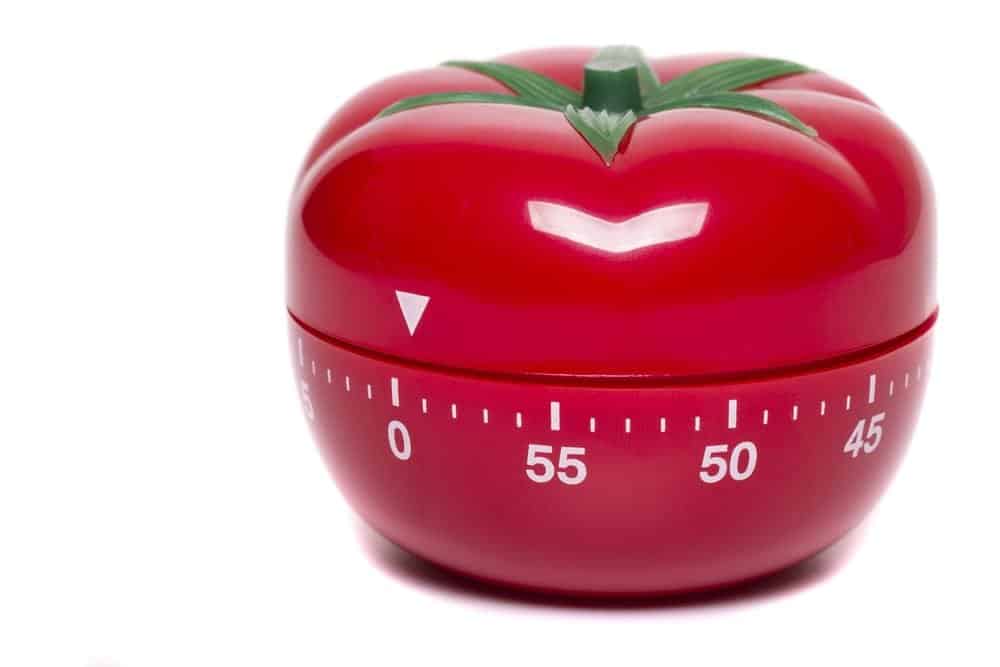
- Set a timer to stand, stretch, or walk for two minutes every 30 minutes.
Protecting your sedentary job health is a business decision as much as a personal one. Small workstation changes, combined with the rights and tax reliefs available in the UK, can reduce pain, cut sick days, and help you stay focused. Start with one addition this week, and build from there.