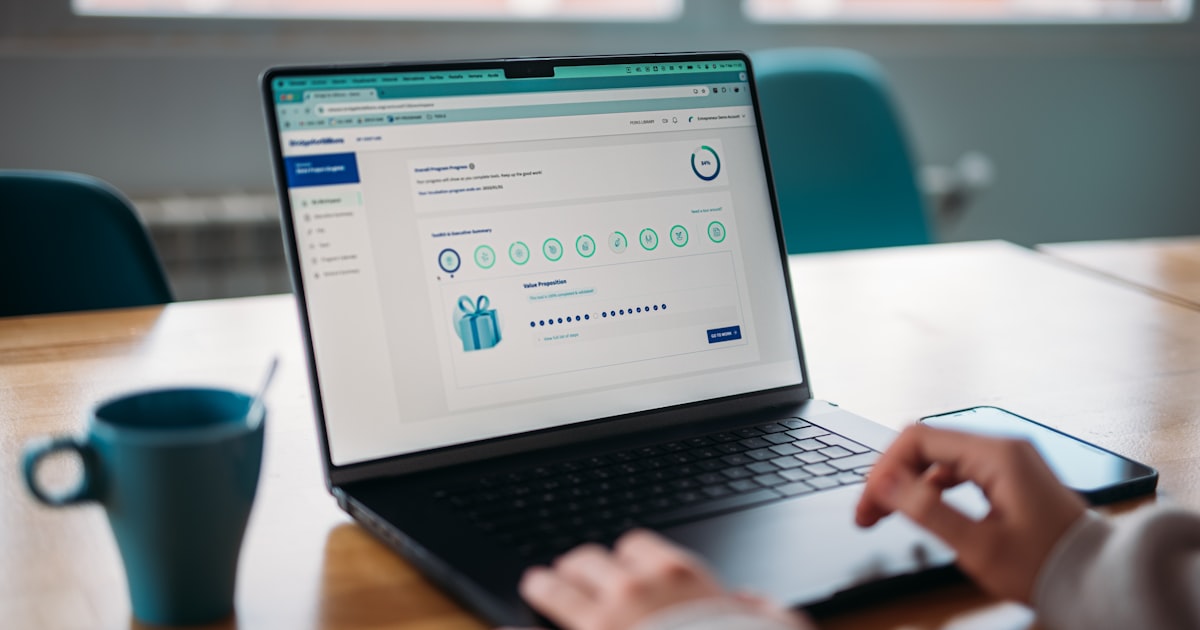
Windows time-management apps can help you reclaim hours lost to distraction, admin and unclear priorities. If you run a UK business from a Windows laptop or PC, the right software turns your device into a command centre rather than another source of interruption.
According to Women in Business: Key UK Facts, women are starting and scaling businesses across every region of the UK. The latest ONS Labour Market Statistics from early 2025 show that around 1.6 million women in the UK are now self-employed, often juggling client work with caring responsibilities and business administration. The Alison Rose Review of Female Entrepreneurship also estimates that advancing women’s enterprise could add up to £250 billion to the UK economy. This makes disciplined time management a commercial skill, not a personal luxury.
What to Look for in Windows Time-Management Apps
Before downloading anything, match the tool to your actual working pattern. A solo consultant needs different features from a woman founder managing a team of five.
- Native Windows integration: Apps that run well on Windows 11 and sync with Outlook or Microsoft 365 reduce friction.
- Offline access: Useful if you work on trains, in client offices or in areas with unreliable broadband.
- GDPR-friendly data storage: Check where your data is hosted. UK and EU servers simplify compliance.
- Scalable pricing: Free tiers are helpful for testing, but confirm what happens when you add team members.
1. Microsoft Focus Sessions: Protect Deep Work Without Installing Anything
The original article recommended Keep Focused, a simple Windows Pomodoro timer. That app is no longer maintained, but the method it used remains effective. The Pomodoro Technique, which breaks work into focused sessions followed by short breaks, is still supported by productivity research.
In 2026, Windows 11 users already have a built-in alternative. Microsoft Focus Sessions is part of the Windows Clock app. It lets you set timed focus periods, integrate your Spotify playlist, track daily focus minutes and sync tasks from Microsoft To Do. Because it is native to Windows, it starts instantly and does not add another subscription.
Why it suits UK women founders: it is free, works offline and respects your attention. If you are trying to improve workplace productivity without adding complexity, this is the lowest-risk place to start.
2. OneNote: Capture Everything in One Place
Evernote still exists, but its free tier has become restrictive and many Windows users now prefer tools built into the Microsoft ecosystem. OneNote is included with most Microsoft 365 plans and is free as a standalone Windows app.
OneNote lets you create notebooks for each client or project, clip web pages, record audio notes and handwrite ideas with a stylus. Everything syncs across Windows, web, iOS and Android, so you are not trapped on one device.
For women running service businesses, OneNote becomes a lightweight client knowledge base. Store meeting notes, project briefs and research in one searchable location instead of scattering information across emails and desktop folders. A single note-taking system reduces the admin burden that pulls you away from billable work.
3. Asana: Plan Projects and Delegate Tasks
Basecamp pioneered online project management, but in 2026 there are more flexible options for Windows-based small businesses. Asana offers a full Windows desktop app, a generous free tier for small teams and strong integration with Outlook and Microsoft Teams.
Asana lets you assign tasks, set deadlines, track time against projects and see workload distribution across your team. This matters when you need to delegate effectively without losing visibility.
The free plan covers up to 15 team members, which is enough for most early-stage women-led businesses. Paid plans unlock timelines, reporting and advanced integrations. Check the current UK pricing on Asana’s site before committing, as SaaS pricing changes frequently.
Honourable Mentions for Windows Users
Depending on your business model, these tools may also deserve a place in your productivity stack:
- Toggl Track: Simple time tracking for client billing and project costing.
- Notion: Combines notes, databases and project boards for founders who want an all-in-one workspace.
- Microsoft To Do: Free task manager that syncs with Outlook tasks and Microsoft Planner.
- Clockify: Free time tracker with team features and a Windows desktop app.
How to Choose Without Wasting Time
Testing apps can become its own form of procrastination. Set a one-week trial rule: install one app, use it daily for five working days, then decide whether it earns a permanent place in your routine.
Also consider where you work. If your home office setup is your main base, desktop apps with keyboard shortcuts will save more time than mobile-first tools. If you are often out meeting clients, choose apps with reliable Windows tablet and mobile sync.
ONS productivity data from 2025 shows that UK output per hour worked remains below its pre-2008 trend. In practical terms, this means the businesses that protect focused work time gain an edge over those that stay busy without moving forward. The right Windows time-management app is one of the cheapest ways to build that protection.
Five Action Steps to Reclaim Your Working Week
- Audit where your time currently goes for one working day.
- Identify your biggest time leak: distraction, disorganisation, delegation or documentation.
- Choose one app from this list that targets that specific leak.
- Use it for one week before adding anything else.
- Review monthly to check the app is still saving you time.
Windows time-management apps will not create more hours in the day, but they can help you spend the hours you have on work that actually grows your business. Start with one tool, build the habit, then expand your stack only when the first tool has proved its value.