Creating your first website is one of the highest-impact moves you can make as a UK woman in business, and taking steps to make your website SEO-friendly helps ensure potential customers can actually find you. Whether you are a sole trader, a limited company director or a side-hustler testing an idea, a website acts as your shop window, your sales assistant and your proof of credibility all in one. With 5.5 million small businesses in the UK, according to the Federation of Small Businesses (2025), and online sales accounting for around 27% of total UK retail sales in ONS figures from 2025, a professional site is no longer optional.
Yet the State of Women’s Enterprise 2025 reports that women-led businesses still represent only around one in five UK SMEs, and the Alison Rose Review of Female Entrepreneurship 2023 progress update notes that just 12% of UK high-growth firms are led by women. A well-built website can help close that gap by giving you a platform that works around the clock. This guide sets out the practical steps to get your first business website live, compliant and effective.
Creating your first website starts with a clear purpose
Before you choose a colour palette or domain name, decide what the site must achieve, since launching a successful ecommerce startup requires a very different structure than a portfolio site or a lead-generation site for a service business.
Write down one primary goal. Do you want visitors to book a call, buy a product, sign up to a mailing list or request a quote? Every page should support that goal. If you are not sure how the site fits your wider plan, work through a business plan first so your online presence matches your revenue model.
Choose a domain and host that work for UK customers
Your domain name should be easy to spell, easy to say and close to your business name. For UK businesses, a .uk or .co.uk domain often signals local trust. Nominet manages the .uk namespace, and you can register a domain through any accredited registrar.
Hosting matters more than many first-timers realise. Look for a provider that offers an SSL certificate (the padlock that gives you https://), daily backups and UK or EU-based servers to keep page load times low for British visitors. If you plan to sell online, check that the host supports PCI-compliant payment processing.
Get the legal basics right: GDPR, cookies and accessibility
UK websites must comply with the UK GDPR and the Data Protection Act 2018. If you collect names, email addresses or payment details, you need a lawful basis for processing, a clear privacy notice and a secure way to store data. The GOV.UK data protection guidance explains the principles in plain English.
The ICO’s guidance on cookies and similar technologies requires you to obtain consent before setting non-essential cookies. Most template builders let you add a cookie banner; make sure it blocks tracking cookies until the visitor agrees.
Accessibility is a legal requirement for public sector bodies under the Public Sector Bodies (Websites and Mobile Applications) Accessibility Regulations 2018. Private businesses are covered by the Equality Act 2010, so a site that is unusable for people with disabilities can expose you to legal risk. Simple checks include readable fonts, alt text on images, keyboard navigation and colour contrast that passes WCAG standards.
Plan content that answers real customer questions
Search engines reward content that matches what people actually type. Start with the questions your customers ask you in calls, emails or social media. Each question can become a blog post, FAQ entry or service page.
Video can be particularly powerful for women-led businesses because it lets customers see the person behind the brand. A short welcome video on your home page builds familiarity faster than text alone. Keep it short, add captions and host it on a platform that does not slow your site down.
Build trust before you ask for the sale
Visitors need proof before they buy or enquire. Include an About page that explains who you are, why you started the business and what you stand for. Add testimonials, case studies or client logos if you have permission.
Make your contact details easy to find. A UK postal address, phone number and a contact form all signal legitimacy. If you run a limited company, display your registered company number and registered office address. Companies House identity verification has become a key compliance step for directors, so make sure your public records are accurate.
Add clear calls to action on every page
Every page should tell the visitor what to do next. Use specific language such as “Book a free 20-minute consultation” rather than vague “Contact us” buttons. Place the main call to action above the fold on your home page and repeat it at the end of each service page.
If you offer a lead magnet, such as a checklist or short guide, use it to collect email addresses for future marketing. Just make sure your sign-up forms include a clear consent tick box to stay within UK GDPR rules.
Link your site to wider business systems
Your website should connect smoothly to the tools that keep your business legal and efficient. If you are a sole trader, Making Tax Digital for Income Tax Self Assessment is being introduced from April 2026 for those with income over £50,000, so choose accounting software that can feed data directly to HMRC.
Security is equally important. A hacked site can damage your reputation and expose customer data. Keep software, plugins and themes updated, use strong passwords and consider cyber insurance if you handle sensitive information.
Launch, test and maintain your site
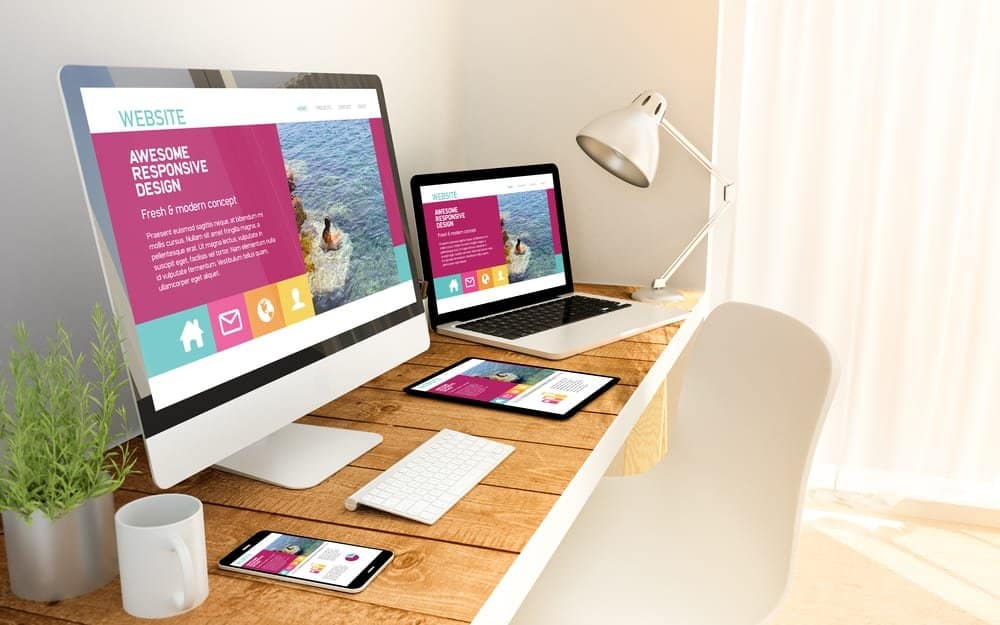
Before you go live, test every form, link and payment step on a mobile phone, tablet and desktop. Many of your visitors will browse on a smartphone, so a site that looks perfect on a laptop but breaks on a phone will lose customers.
Set a maintenance diary. Check for broken links monthly, update plugins weekly and review your analytics to see which pages bring in enquiries. Small, regular improvements beat a complete rebuild every few years.
Five action steps to take this week
- Write down the one action you want every visitor to take.
- Register a .uk domain and choose a host with SSL and UK or EU-based servers.
- Add a privacy notice, cookie banner and accessibility checklist before launch.
- Connect your site to your accounting and email marketing tools.
- Schedule a monthly maintenance review.
Creating your first website is a practical investment in your business’s credibility and reach. By setting a clear purpose, choosing reliable UK hosting, meeting GDPR and accessibility requirements, and linking the site to your tax and security systems, you give your business a platform that works while you focus on delivery. Start with one page that solves one customer problem, then build from there.